


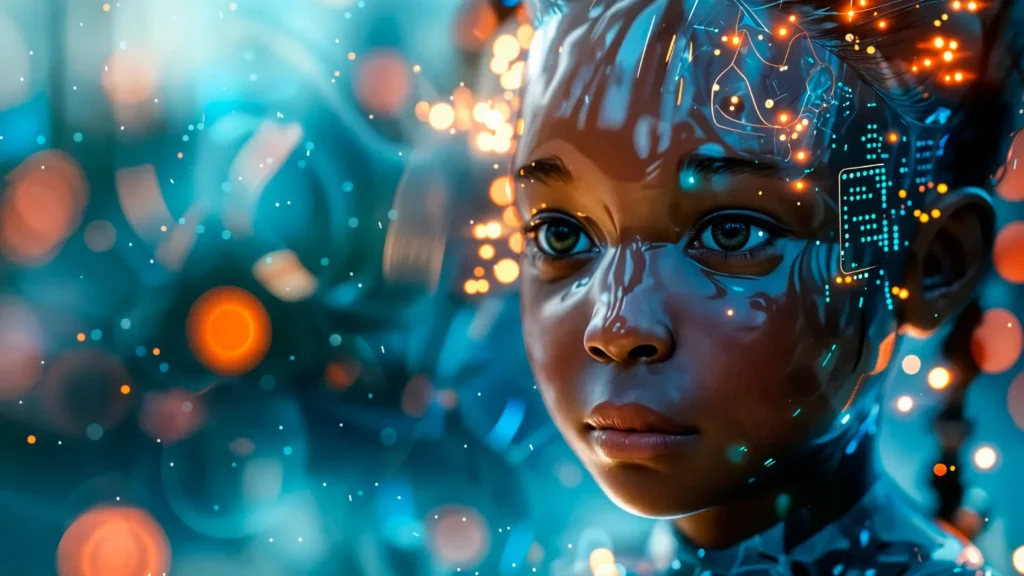
An AI image generator has become one of the most exciting tools in digital creativity today. These powerful tools can quickly turn your ideas, text prompts, or photos into stunning images without needing any advanced skills or software. If you are new to AI image generators and want to explore how to use them effectively, this simple step-by-step guide will help you get started and create amazing images with ease.
What is an AI image generator?
Before diving into the steps, it’s important to understand what an AI image generator is. Simply put, it is a smart computer program that uses artificial intelligence to create images. You can provide it with a text description (called a prompt), upload a photo, or combine both, and the AI will produce an image based on that input. These AI tools use advanced machine learning models trained on millions of pictures, enabling them to generate creative and high-quality visuals instantly.
Why Use AI Image Generators?
- Creativity Made Easy: You don’t need to be an artist—just type what you want to see.
- Time-Saving: Generate images in seconds instead of spending hours designing.
- Accessible: Most tools are free or affordable and work online without installation.
- Versatile: For social media, marketing, presentations, art projects, and more.
Step-by-Step Guide to Using AI Image Generators
Step 1: Choose the Right AI Image Generator Tool
There are many AI image generator tools available, each with unique features, styles, and ease of use. As a beginner, pick a tool that is simple, reliable, and fits your needs. Some popular and beginner-friendly tools are
- Lipsync AI—Great for turning photos into artistic images and animated visuals.
- Fotor—Offers various artistic styles and text-to-image generation.
- Canva AI Image Generator—Simple to use with lots of design templates.
- NightCafe Studio—Offers multiple AI algorithms for creative output.
- Deep Dream Generator—Ideal for unique, artistic creations.
Most of these platforms work straight from your browser and are free to start with.
Step 2: Sign Up or Access the Tool
Many AI image generators let you explore some features without signing up, but creating a free account usually unlocks more options and higher-quality downloads. Visit the website of the tool you chose, sign up with your email or use social login, and familiarize yourself with the interface.
Step 3: Understand How to Create Your Image
Most AI image generators allow two main ways to create images:
- Text-to-Image Generation: You type a description of what you want.
- Image-to-Image Generation: You upload a photo, and the AI modifies or enhances it.
As a beginner, start with the text-to-image option.
Step 4: Writing Your Text Prompt (For Text-to-Image Tools)
Your text prompt describes the image you want. The better and more detailed your prompt, the closer the AI can match your vision. Here are some tips:
- Be Specific: Instead of “dog,” say “a playful golden retriever puppy in a green park.”
- Include Style: Add terms like “watercolor painting,” “realistic photo,” “digital art,” or “3D render.”
- Mention Colors and Lighting: For example, “a sunset beach with warm colors and soft lighting.”
- Try Emotions or Actions: Like “a happy child running” or “a serene mountain landscape.”
You can experiment with simple or detailed prompts as you explore.
Step 5: Generate and Preview Your Image
Once you enter your prompt or upload a photo, click the generate button. The AI will start creating the image, which usually takes a few seconds to a minute depending on the tool and complexity.
Most tools provide a preview of multiple images based on your prompt, so you can select the one you like best. Don’t worry if the first results aren’t perfect—just tweak your prompt or try again.
Step 6: Edit or Customize Your Image (Optional)
Some AI platforms allow you to tweak or enhance your image further:
- Adjust colors, brightness, or contrast.
- Crop or resize the image.
- Add text or overlays.
- Try different art styles or filters.
If your tool doesn’t offer these features, you can export the image and use free photo editors like Canva or Fotor for additional customization.
Step 7: Download and Use Your Image
Once you’re happy with your creation, download it to your device. Most tools offer downloads in JPG or PNG formats with varying resolutions. For printing or professional use, choose the highest resolution if available.
You can now share your new AI-generated image on social media and use it in presentations, wallpapers, prints, or any creative project!
Step 8: Explore Advanced Features and Techniques
As you get comfortable, try exploring more advanced features that many AI image generators offer:
- Image-to-Image Transformations: Upload a sketch or photo and have the AI transform it into a painting, oil artwork, or fantasy style.
- Combining Prompts: Some tools let you blend multiple text prompts for unique results.
- Fine-tuning Parameters: Play with settings like “creativity,” “style weight,” or “detail level” to influence the art style.
- Batch Generation: Create multiple images at once for easy selection.
- Animation and Video Creation: Certain platforms (like Lipsync AI) can animate your AI images or generate talking avatars.
Tips for Better Results
- Be Patient and Experiment: AI is creative but unpredictable. Try different words and settings to get varied results.
- Learn from Communities: Join online forums or social media groups about AI art to get inspiration and tips.
- Keep Your Prompts Clear and Descriptive: Avoid vague descriptions and highlight key details.
- Save Your Best Prompts: Keep a record of prompts that worked well for future use.
Conclusion
AI image generators are a fantastic way for beginners to create beautiful, unique images without any artistic experience. By following simple steps—choosing the right tool, writing clear prompts, and generating and refining images—you can unlock endless creative possibilities. Whether you want art for fun, social media content, professional projects, or marketing, AI image generators make it easy and fun to bring your ideas to life. So, pick your tool, start experimenting, and enjoy the magic of AI-powered creativity!
FAQ
Do I need technical skills?
No, AI image generators are designed for everyone. Just typing a description or uploading an image is enough.
Are these tools free?
Many offer free trials or limited daily generations. Paid plans unlock higher resolution and more features.
Can I use AI-generated images commercially?
It depends on the tool’s license. Always check terms, but many allow commercial use with attribution.
What file formats are available?
Typically JPG, PNG, WEBP, or HEIC, which work on most platforms.